Get started
Welcome to Buildryn
Buildryn is a shared development platform for Minecraft plugins, mods, and datapacks. Plan your idea, edit code, and test your build in Minecraft.
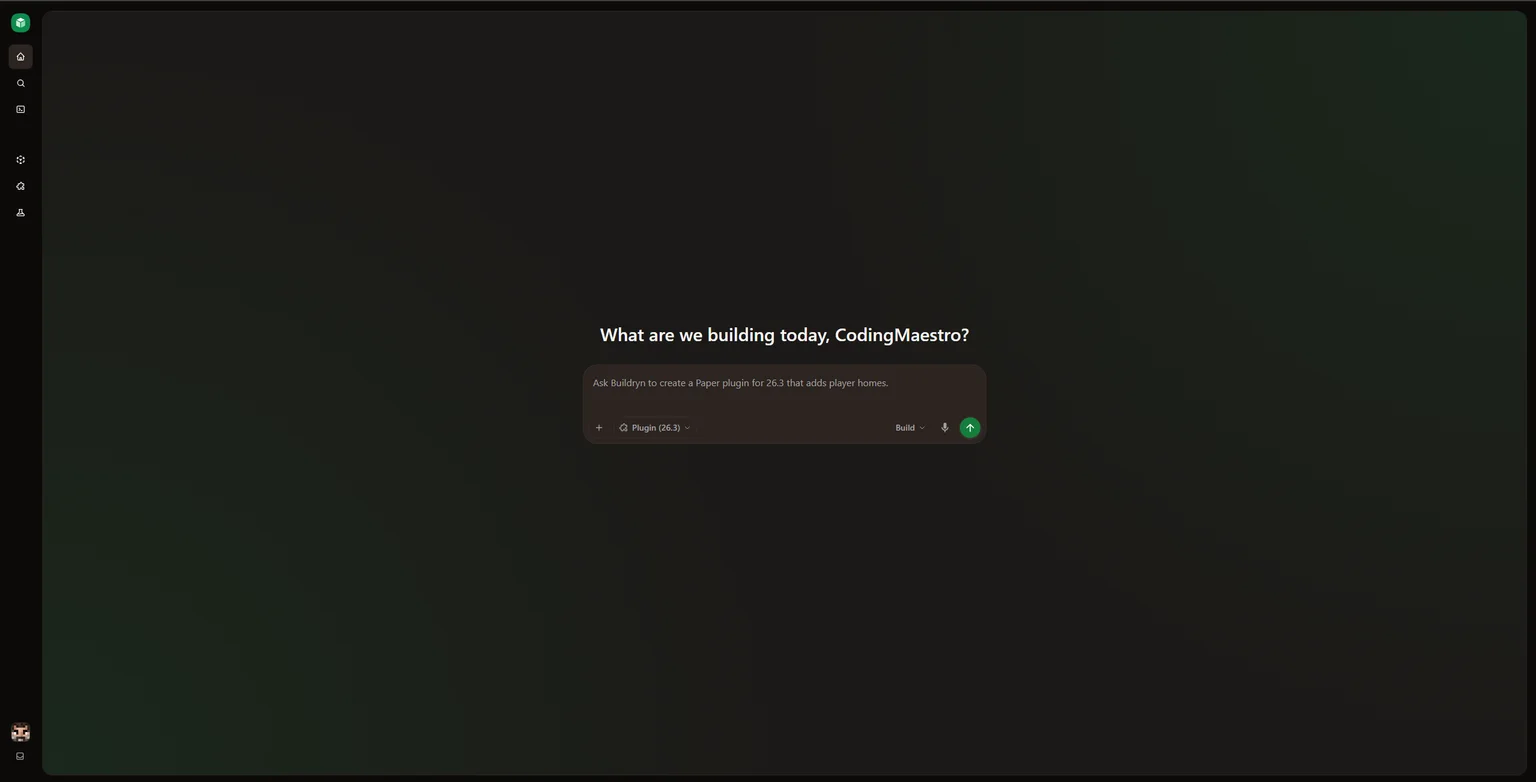
Describe the behavior you want, review the code, and keep improving it in the same project. Your files, chats, history, builds, and deployments stay together. When you’re ready, download the tested build for your own server or game.
Start building
Section titled “Start building”What you can build
Section titled “What you can build”- Paper plugins: custom commands, permissions, menus, and server rules.
- Fabric mods: client visuals, controls, and features that need mod APIs.
- Datapacks: functions, recipes, loot tables, and advancements.
Choose the project type that fits your feature and select an available Minecraft version. You’ll need Minecraft Java Edition to test gameplay.
How Buildryn works
Section titled “How Buildryn works”- Plan the feature. Choose a project type and Minecraft version, then discuss the behavior in Plan mode.
- Make and review changes. Use Build mode or edit files yourself. Inspect generated changes and choose Keep all or Undo all.
- Build an artifact. Save your files and choose Build now to package them. Review errors and available dependency scans.
- Test in Minecraft. Launch a deployment and try the feature. For client-only mods, test in a local Fabric client.
- Download and continue. Install the tested artifact on your own server or game. Return to the project for the next change.
After changing source, build and deploy again to test the new version. A successful build still needs gameplay testing.
Core concepts
Section titled “Core concepts”- Account: your identity, preferences, subscription, and credit balance.
- Project: the files, chats, Git history, teammates, and settings for one plugin, mod, or datapack. Chats in a project share its files.
- Build artifact: the packaged JAR or ZIP you download or deploy.
- Deployment: a build running on a temporary Minecraft server for testing. Closing your browser does not stop it.
See the project overview to find these controls in the app.
Work with your team
Section titled “Work with your team”Invite teammates as viewers to inspect and download, or as editors to change files, build, and manage deployments. Project activity helps the owner follow changes over time.
Each account uses its own credits for chat requests. Deployments count toward the plan’s deployment allowance. Manual editing, builds, and downloads have no separate credit charge. Read about collaboration and credits before sharing work.
Get help
Section titled “Get help”Read the FAQ or contact support. Include the project or build number and what you expected to happen.